NEW UPDATE
Upload a whole book.
Get one worksheet for it.
No more splitting a book into chapters. The book your students just finished becomes a single post-reading worksheet.
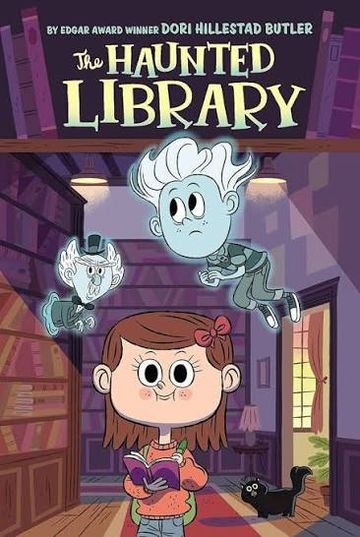
One whole book
e.g. The Haunted Library
→
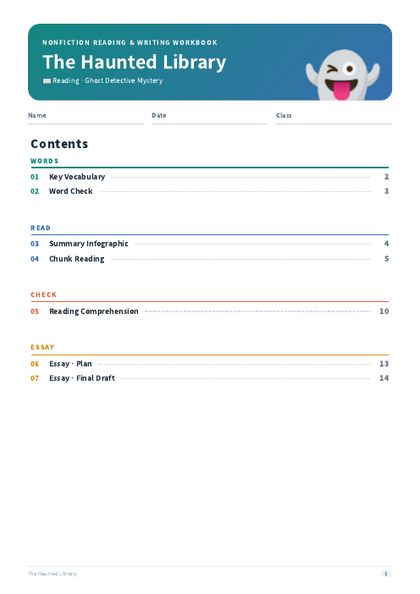
One worksheet
Post-reading activities for the full book
What's new
“Not chapter by chapter. I want one for the whole book.”
It was the request we heard most. This update is built around it.
Before
Ch. 1
→Worksheet 1Ch. 2
→Worksheet 2Ch. 3 …
→Worksheet 3 …Upload and generate chapter by chapter
→
Updated
→Whole book → 1 worksheet
Upload once, generate once
Real example
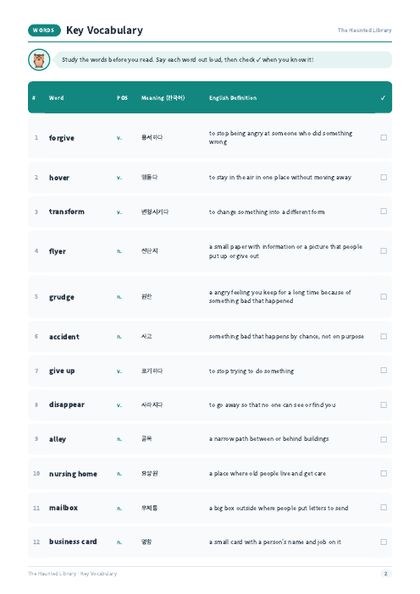
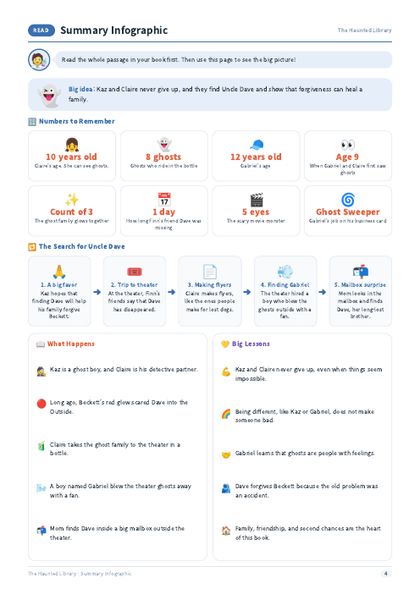
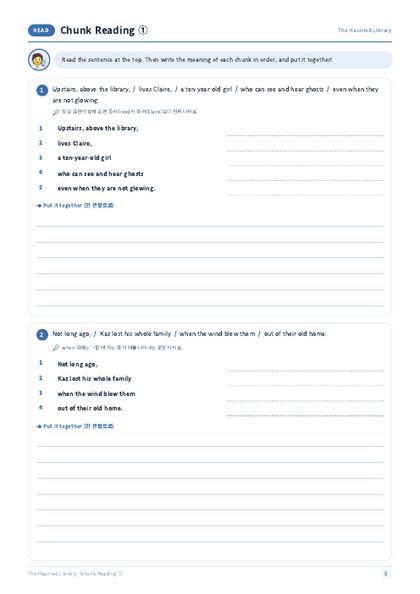
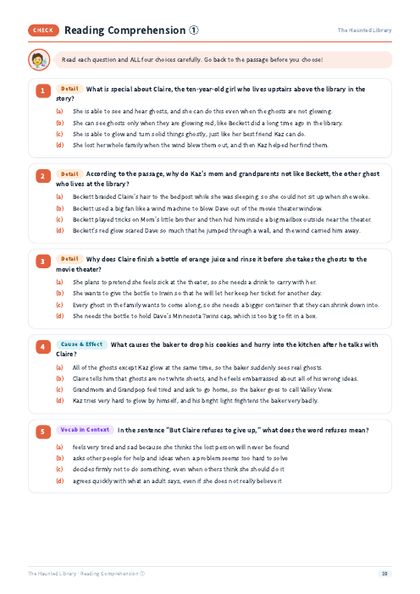
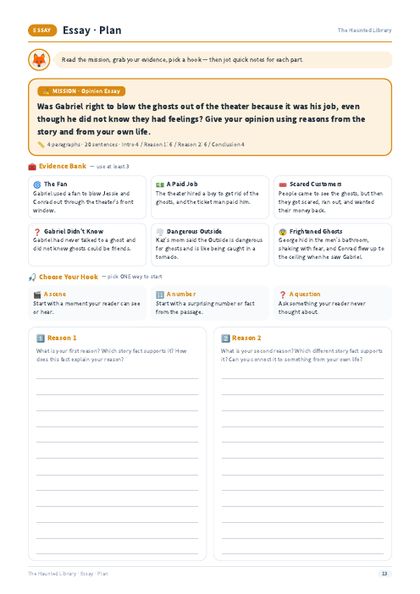
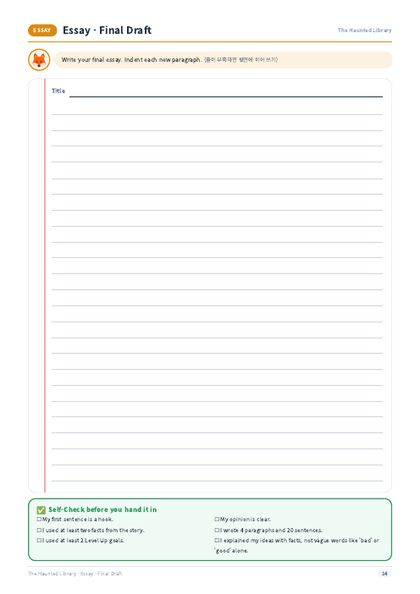
One book, The Haunted Library, became a 14-page worksheet
Vocabulary, summary, chunk reading, comprehension and an essay, all in one worksheet for the whole book.
1whole book
14worksheet pages
7activities
Please note
Uses deducted depend on the book's character count
A whole book is a large input, so one generation deducts the number of uses below from your plan.
| Book length (characters) | Uses deducted |
|---|---|
| Up to 100,000 | ●●2 uses |
| 100,000 – 250,000 | ●●●3 uses |
| 250,000 – 400,000 | ●●●●4 uses |
| 400,000 – 550,000 | ●●●●●5 uses |
Check your remaining uses before you generate.
📂
Bring your own book file
Worksheet Studio does not provide book files. Please upload a file you already have.
How to use it
Post-reading matters as much as reading
Closing the book is where the thinking starts. Review with a worksheet, write an essay, then think again through questions.
📖
STEP 1Read the whole bookFinish it cover to cover📝
STEP 2Worksheet GeneratorCreate a post-reading worksheet for the full book✍️
STEP 3Write the essayStudents respond to the essay task in the worksheet❓
STEP 4Essay Feedback GeneratorSocratic questions push their thinking further“Why do you think so?”The Essay Feedback Generator doesn't write the answer for students. It asks questions that draw out their own ideas.
Try it with the book you just finished
Use the Worksheet Generator and the Essay Feedback Generator together.
Open Worksheet Studio →